Camera-on video calls feel draining. Should you still turn yours on?
Turning your camera on can leave you drained before you say a word. What US workers report about camera-on meetings may change your next call.
 By Maria Lee·
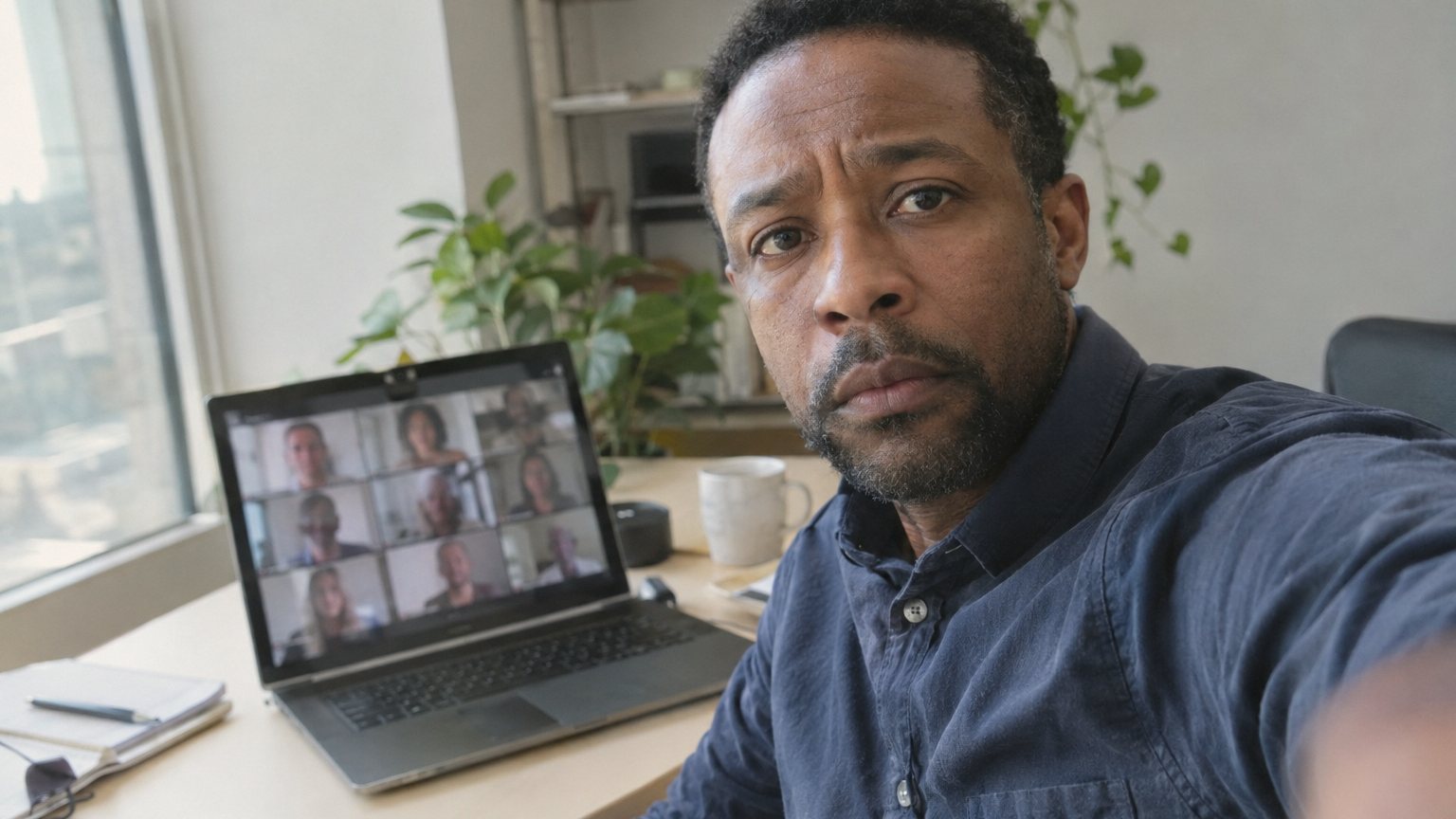
You know the pause before a video call. The meeting is routine. The faces are loading. Your hand hovers near the camera button, and you wonder whether turning it on will make you look present or leave you too drained to say anything useful. A 4-week field experiment of 103 employees, with 1,408 daily observations, gives that feeling some backing: camera use was manipulated, and camera-on days were linked with daily fatigue.
But that is not the whole answer to the question most professionals actually face: Should you still turn yours on? The public research does not land on a simple always-on or always-off rule. The number that settles the routine team-call version of the question comes later. First, why the draining feeling is real enough to take seriously.
- Daily observations in the field experiment1408count
- Employees in the field experiment103count
- Participants in 2024 Study 1287count
- Participants in 2024 Study 264count
Public studies reviewed here include a Journal of Applied Psychology field experiment, two 2024 preregistered studies in Scientific Reports and the January 2023 SWAA worker survey.
Why camera-on meetings can feel harder
The field experiment, published by the American Psychological Association in the Journal of Applied Psychology, was designed to test camera use during real workdays, not just ask people how they felt afterward. The researchers manipulated whether cameras were on or off during a 4-week experience-sampling study.
Their model treated daily fatigue as the middle step between camera use and what happens in meetings. In the paper’s terms, fatigue was expected to relate negatively to voice and engagement. Voice here means speaking up, offering ideas or challenging the group, not vocal quality.
That matters because the camera button is not just a visibility choice. It can become a speaking choice. If you are already tracking your face, your background, who is looking, who is multitasking and whether you look interested enough, there may be less attention left for the sentence you want to say.
| Source | What it adds |
|---|---|
| Journal of Applied Psychology field experiment | Camera use was manipulated across workdays, with 103 employees and 1,408 daily observations. |
| Scientific Reports 2024 studies | Two preregistered studies tested whether camera use was related to Zoom fatigue or conformity. |
| January 2023 SWAA worker survey | U.S. workers were asked how having their camera on affected engagement in video call meetings. |
The three public sources behind the camera-on question.
The later studies complicate the fatigue story
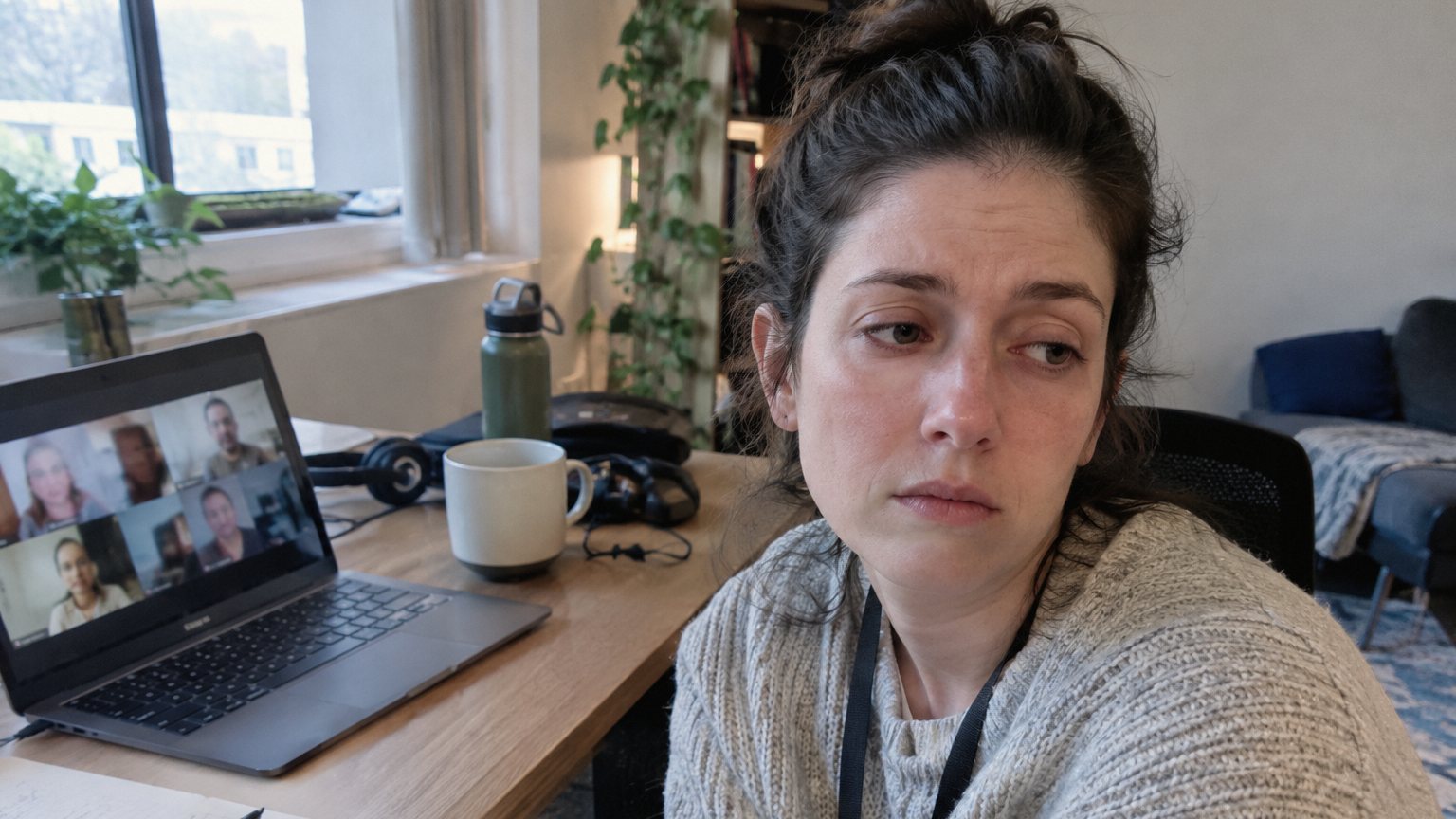
A 2024 paper in Scientific Reports tested a related worry: that being visible on camera might make people conform more, or feel more video-call fatigue. The first study involved 287 participants describing a professional online meeting. The second involved 64 participants in an online meeting with four to eight people, with camera on versus off manipulated.
The result was not the clean warning many camera-weary workers might expect. In both studies, camera use was not related to either conformity or Zoom fatigue. That does not erase the field experiment. It does mean the effect is not automatic in every meeting, with every group, in every task.
- Field experiment daily observations1408participants or observations
- Field experiment employees103participants or observations
- Scientific Reports Study 1 participants287participants or observations
- Scientific Reports Study 2 participants64participants or observations
The field experiment linked camera use with fatigue. The 2024 preregistered studies found camera use was not related to Zoom fatigue or conformity.
The conformity result is especially useful for meetings where one person says something and everyone else quietly follows. In the 2024 experiment, when there was a clear majority, 78% of participants changed their answers to the majority at least once. But that was not explained by whether cameras were on.
So if you feel yourself going quiet on calls, the camera may be part of the load, but it is probably not the only reason. Group pressure, unclear meeting purpose and the fear of interrupting can all matter before the webcam toggle ever enters the picture.
The meeting type changes the camera decision
A status update is not the same as a tense decision meeting. A one-on-one with your manager is not the same as a 20-person all-hands. In a meeting where you need to listen deeply, take notes or process a complicated decision, camera-off time may protect attention. In a meeting where you need to build trust, signal readiness or jump into the conversation, being visible may help you stay socially present.
That is why the final number matters. It comes from the Survey of Working Arrangements and Attitudes, published by WFH Research, which asked U.S. workers how having their camera on affected their engagement in video call meetings. This is the public survey result that makes the simple cameras-off answer too easy.
The answer from the worker survey
The number that changes the answer is this: 49% of workers said having their camera on affected engagement positively or very positively. By comparison, 16% said it affected engagement negatively or very negatively, while 35% said it had no impact.
- Very positive impact24%
- Positive impact25%
- No impact35%
- Negative impact10%
- Very negative impact6%
January 2023 SWAA question, N = 4,240. Percentages are rounded to whole numbers.
So should you still turn yours on? For a routine team video call where you are expected to participate, the survey answer is yes, start with it on. Not because camera-on calls are never tiring. The experiment says they can be. Start with it on because, in the large U.S. worker survey, the engaged side was much larger than the disengaged side.
The better rule is not camera on forever. It is camera on when the meeting depends on social presence, trust or speaking up, and camera off when the meeting depends on sustained attention, note-taking or recovery between high-pressure calls.
What this means for you
If you are deciding in the five seconds before a call starts, use the meeting purpose instead of your mood alone.
Turn it on for first impressions. Interviews, client calls, manager one-on-ones and small team discussions all rely on being seen as present.
Ask for camera-off norms in long or back-to-back meetings. Fatigue is a real meeting cost, and teams can plan around it.
Do not treat camera-off as silence. If your camera is off, speak early so people know you are still in the room.
Use camera-on moments deliberately. Turn it on when you make a point, ask a question or need the group to read your intent.
Sources
More from AmberWillo News
- Dreading a wedding toast? 1 in 5 nervous speakers say social moments are hardest. What to practice first
- Going blank mid-pitch is the top problem for nervous salespeople. What to rehearse instead of your script
- Spandau Ballet's Tony Hadley still gets stage fright after 50 years. His fix works in meetings too