An hour-long video call has a fatigue point. How far in do people hit it?
A routine video check-in can start with a clear voice and end with clipped answers. The sharper test is whether the call runs past the fatigue zone.
 By Maria Lee·
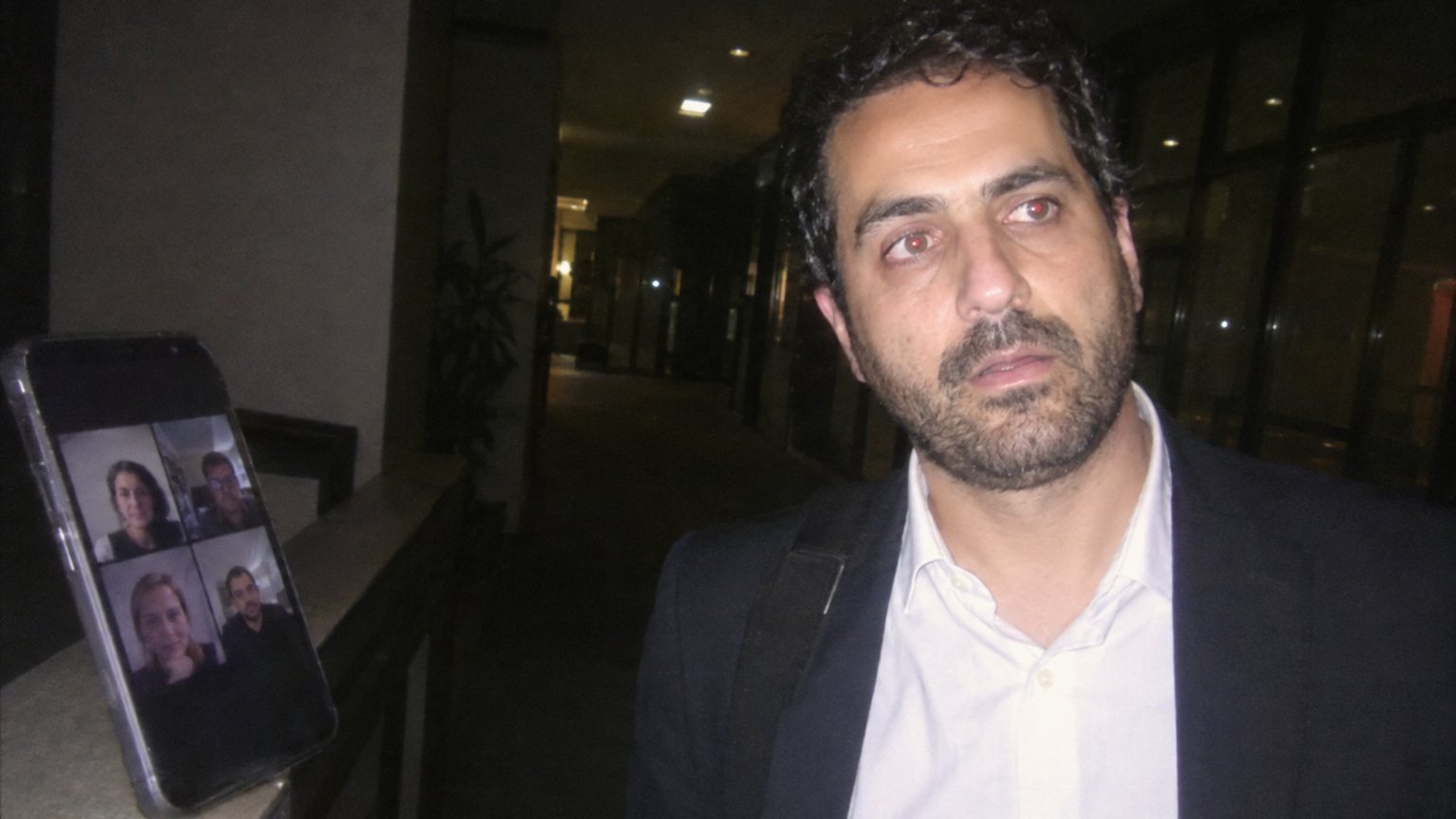
Workers in 2021 could hit sustained-concentration fatigue 30 to 40 minutes into an hour-long video call. Microsoft WorkLab reported that benchmark from Microsoft Human Factors Lab research on video meetings. But the hard part for workers is where it lands: a routine hour-long call can still have a long speaking stretch after the fatigue zone begins.
So the useful self-check is not only whether your calendar says 30 minutes, 55 minutes or an hour. It is whether the answer you will be judged on usually comes after the call has already passed the 30-to-40-minute window.
The fatigue window came from EEG video meetings
Microsoft WorkLab said the study ran from March 8-18, 2021, with 14 people participating in video meetings while wearing electroencephalogram equipment. The sample included Microsoft and non-Microsoft employees who were US-based information workers and typically worked remotely.
The report described the benchmark plainly: with sustained-concentration fatigue setting in around 30 to 40 minutes into a meeting, videoconferences need breaks. For someone on camera, that timing is practical, because focus is visible while you speak.
Speaking late means answering while focus is taxed
A video call is still a speaking situation. People hear your timing, words, tone and confidence. In a review, status meeting, client update or interview panel, the important ask can arrive after 30 minutes, after 40 minutes, or near the end of a 55-minute slot.
The WorkLab finding gives that late-call moment a clock. If you are working on your public speaking voice, a long video meeting is a demanding room: the camera stays on, the group is still listening, and your answer may need to sound clear after the fatigue window has already opened.
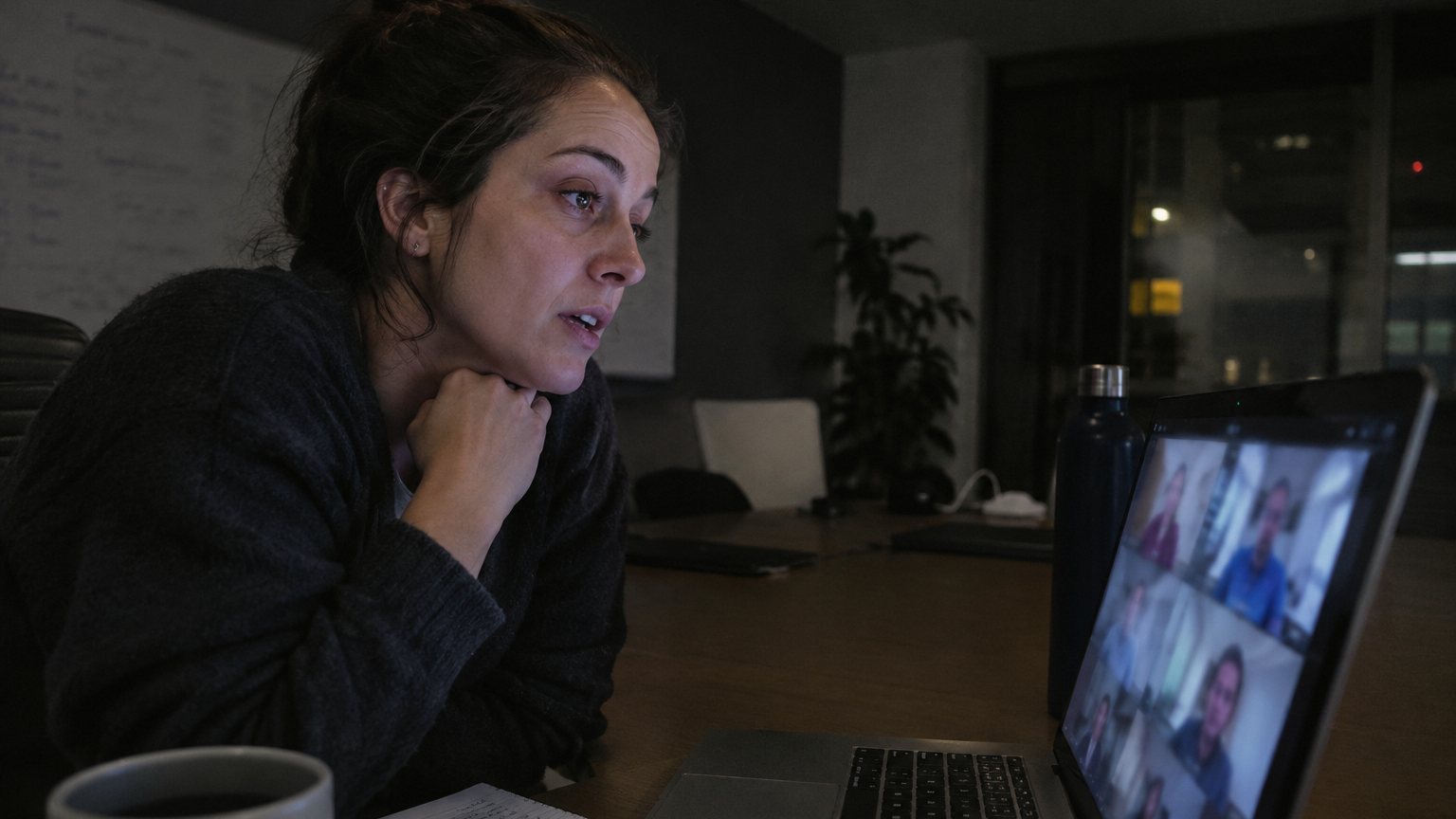
A half-hour check-in can become 25 minutes
Microsoft WorkLab’s scheduling example was concrete: start meetings five minutes after the hour or half-hour. Under that rule, a 30-minute check-in becomes a 25-minute meeting, and an hour-long conversation shortens to 55 minutes.
Take the example Microsoft gave. A half-hour meeting that would have started at 11 a.m. becomes a 25-minute meeting beginning at 11:05 a.m. If that meeting includes a manager update, put the decision, question or hard ask earlier in the agenda.
Why can one call feel heavy?
The WorkLab article did not frame fatigue only as a problem of a packed day. It said sustained-concentration fatigue can set in around 30 to 40 minutes into a meeting. That means a single hour-long video conversation can cross the benchmark even before any later calls begin.
WorkLab also wrote that it is important to punctuate videoconferences with breaks. The report’s own examples point to small timing changes: five minutes after the hour, 25 minutes instead of 30 minutes, and 55 minutes instead of an hour-long conversation.
Breaks were framed as focus time, not empty time
Michael Bohan, senior director of Microsoft’s Human Factors Engineering group, put the break issue in focus terms. He said breaks are important “not just to make us less exhausted by the end of the day, but to actually improve our ability to focus and engage while in those meetings.”
That quote changes how a short gap looks on a calendar. A five-minute delay before the next call is not only a pause between boxes. In WorkLab’s example, it turns a 30-minute meeting into 25 minutes and an hour-long conversation into 55 minutes, while protecting the focus needed to listen, ask and answer.
Every timing benchmark Microsoft gave for video meetings
The useful numbers sit in different parts of the 2021 WorkLab report: the study period, the 14-person sample, the 30-to-40-minute fatigue window, and the 5-minute scheduling offset.
| Benchmark | Number | Source detail |
|---|---|---|
| Study period | March 8-18, 2021 | Microsoft Human Factors Lab study period reported by WorkLab |
| Study participants | 14 people | Microsoft and non-Microsoft US-based information workers who typically worked remotely |
| Fatigue timing | 30 to 40 minutes | WorkLab said sustained-concentration fatigue can set in around this point in a meeting |
| Scheduling offset | Five minutes | WorkLab described starting meetings five minutes after the hour or half-hour |
| Shortened check-in | 25 minutes | A 30-minute check-in becomes 25 minutes under the five-minute-start approach |
| Shortened hour-long conversation | 55 minutes | An hour-long conversation shortens to 55 minutes under the same approach |
| Example start time | 11:05 a.m. | WorkLab said a half-hour meeting that would have started at 11 a.m. can begin at 11:05 a.m. |
Microsoft WorkLab video-meeting benchmarks used in this story
What this means for you
If you control the agenda, put the highest-stakes speaking part before the call crosses the 30-to-40-minute fatigue zone. Ask for the decision earlier. Give your recommendation earlier. Put the update you will be judged on before the final stretch.
If someone else runs the meeting, prepare one short sentence before the call starts: “My recommendation is…” or “The decision I need is…” or “The tradeoff I see is…” A 55-minute or hour-long video call can make clear speaking harder, so give your best line a better place.
Sources